Saved it. Built it. Fatto.
You save DIY videos everywhere... TikTok, YouTube, Instagram, even blog tutorials. Then you can't find them when it's time to build. Fatto puts every save in one place and turns each one into a step-by-step card with materials, tools, and costs.
Coming soon to the App Store. Join the waitlist for day-one access.

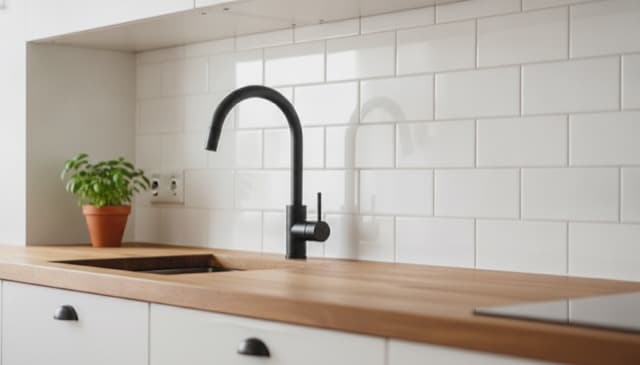


You've saved 100+ DIY videos. How many have you built?
Saving isn't building. Your saves are scattered across apps and browser tabs, buried where you'll never scroll back. Fatto gives them one home and turns each one into a project card you can actually start. Fatto means done in Italian. That's the whole idea.
Save from anywhere
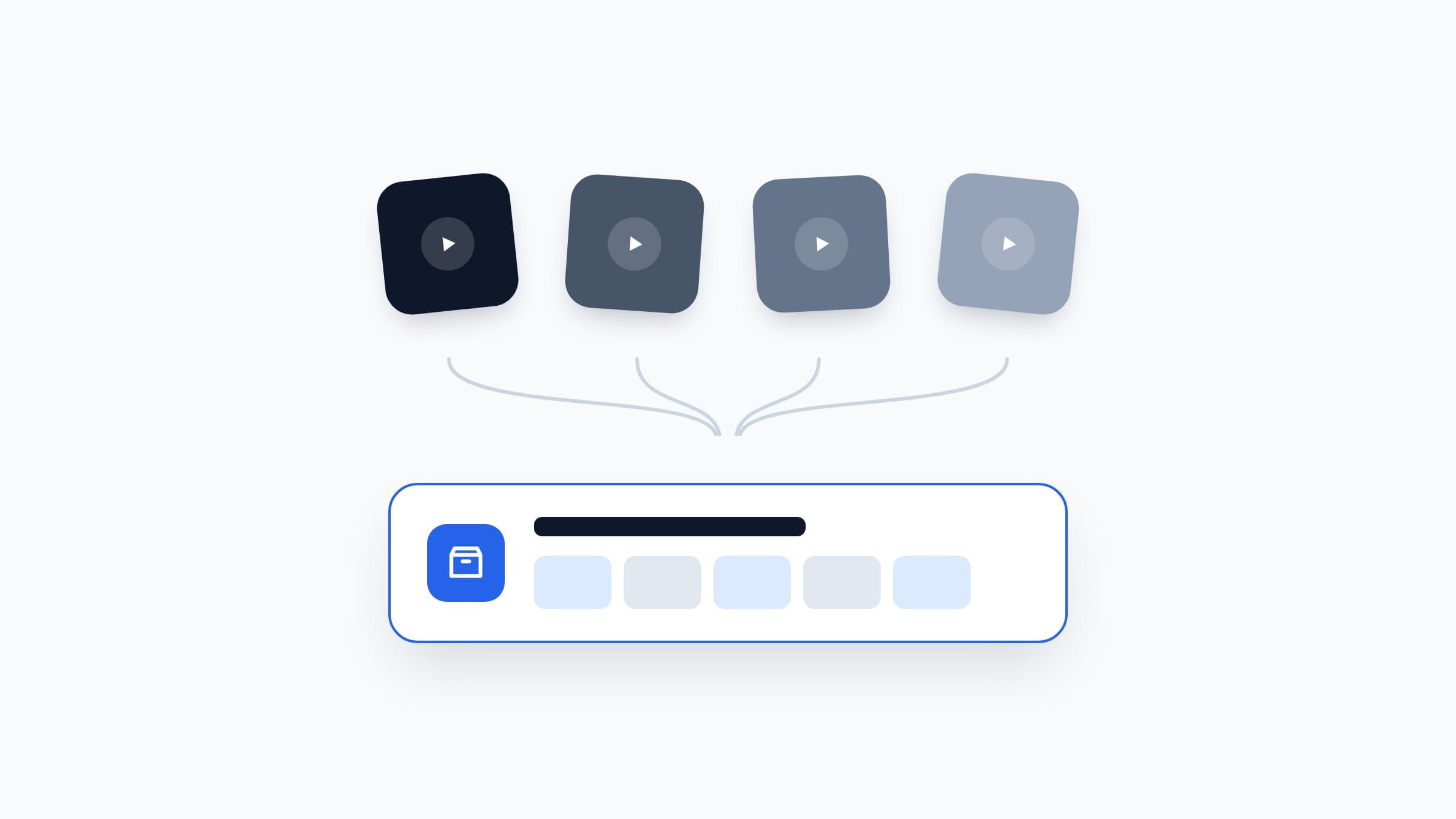
That shelf tutorial you saved three weeks ago? Good luck remembering where. It's buried under two hundred other saves by now. With Fatto you copy the link, paste it in, and it's saved for real this time... all in one place.
- TikTok DIY hacks and room makeovers
- Instagram Reels from your favorite builders
- Facebook videos from your DIY groups
- YouTube tutorials, full builds or Shorts
From video to project card
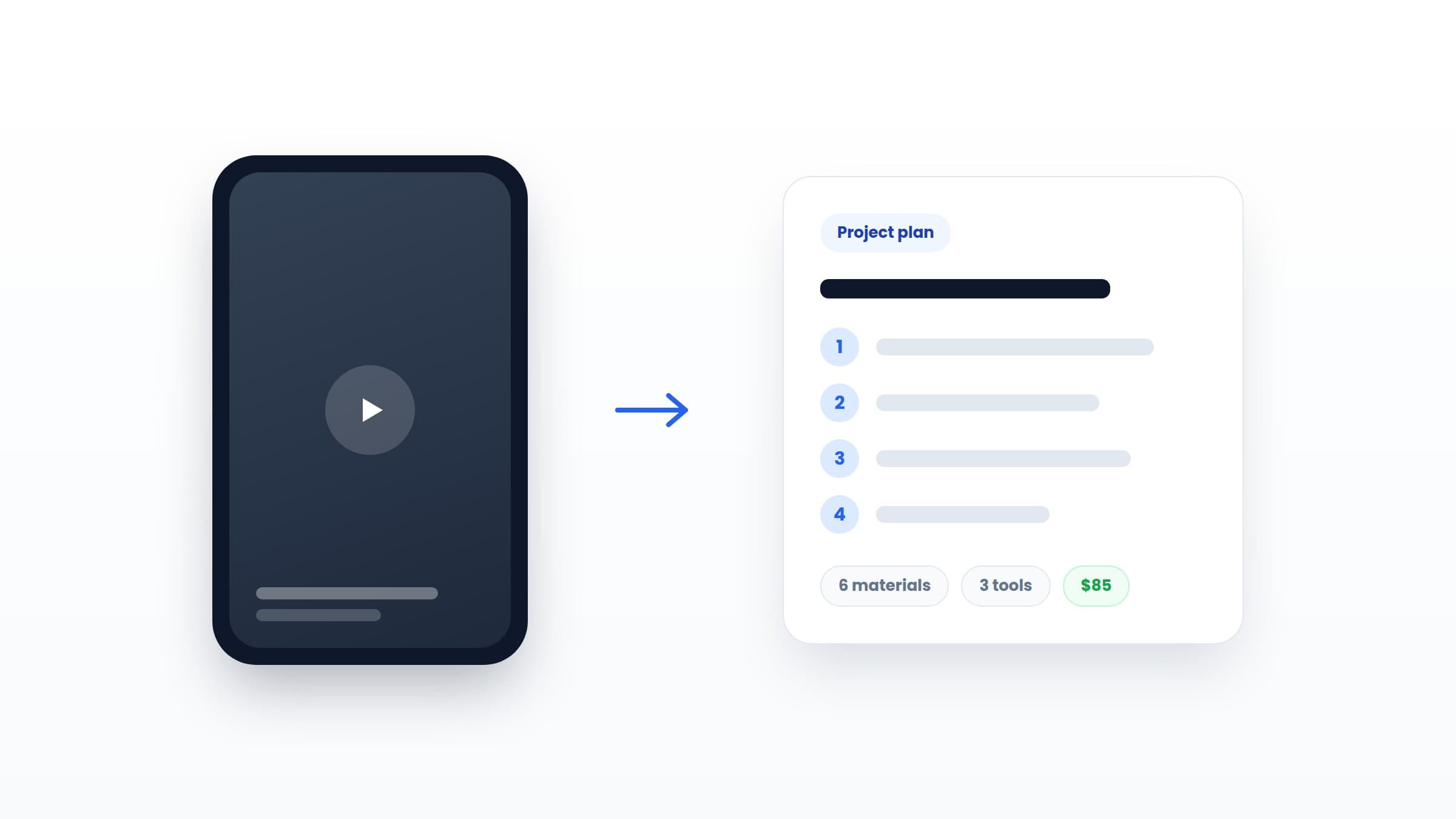
Paste a link and the AI handles the boring part. It turns a 30-second video into a card you can actually build from.
- Materials with quantities, ready to shop
- Every tool you'll need before you start
- Numbered steps you can follow at the workbench
- Difficulty level and a real cost estimate
Every card is marked as AI extracted, so you always know where it came from. Something looks off? Edit it. It's your project.
Collections that make sense
Saved videos pile up fast. Collections keep them sorted the way you actually think... by room, by season, or by how much weekend you've got left.
Organize by the space or by the dream. "Kitchen reno" for the big plan. "Weekend quickies" for the projects you'll finish before Sunday dinner.
One list for the hardware store
Pick the projects you're tackling and Fatto merges their materials into one shopping list. Wood screws on three different cards? They show up once, with the full count.
Then check things off right there in the aisle. No napkin math, no second trip back to the store.
A genuinely generous free tier
Most free plans are a teaser. Fatto's isn't. You get enough to save real projects, organize them, and build your first one without paying a cent. No credit card, no time limit.
5 AI imports included
Save 5 videos from TikTok, Instagram, Facebook, or YouTube. The AI turns each one into a full project card. They're yours for life, not per month.
Unlimited web links
Found a tutorial on a blog? Paste the link. Web imports and manual entries don't count against your 5... save as many as you want.
Collections and shopping lists
Group projects by room, season, or skill level. Then send the materials straight to a shopping list so you know exactly what to buy.
Cloud sync, ad-free, always
Your projects sync to the cloud and stay there. No ads, no upsell banners, no expiry date. That's the free plan, for good.
Frequently Asked Questions
Simple pricing
Free
Everything you need to start building.
- 5 social media AI imports
- Unlimited web link imports and manual entries
- Unlimited collections
- Shopping list with smart dedup
- Cloud sync across devices
- Ad-free, always
Premium
For people with a long project list.
or $39.99/year with a 7-day free trial (save 33%)
- Unlimited AI imports
- Everything in Free
- Cancel anytime
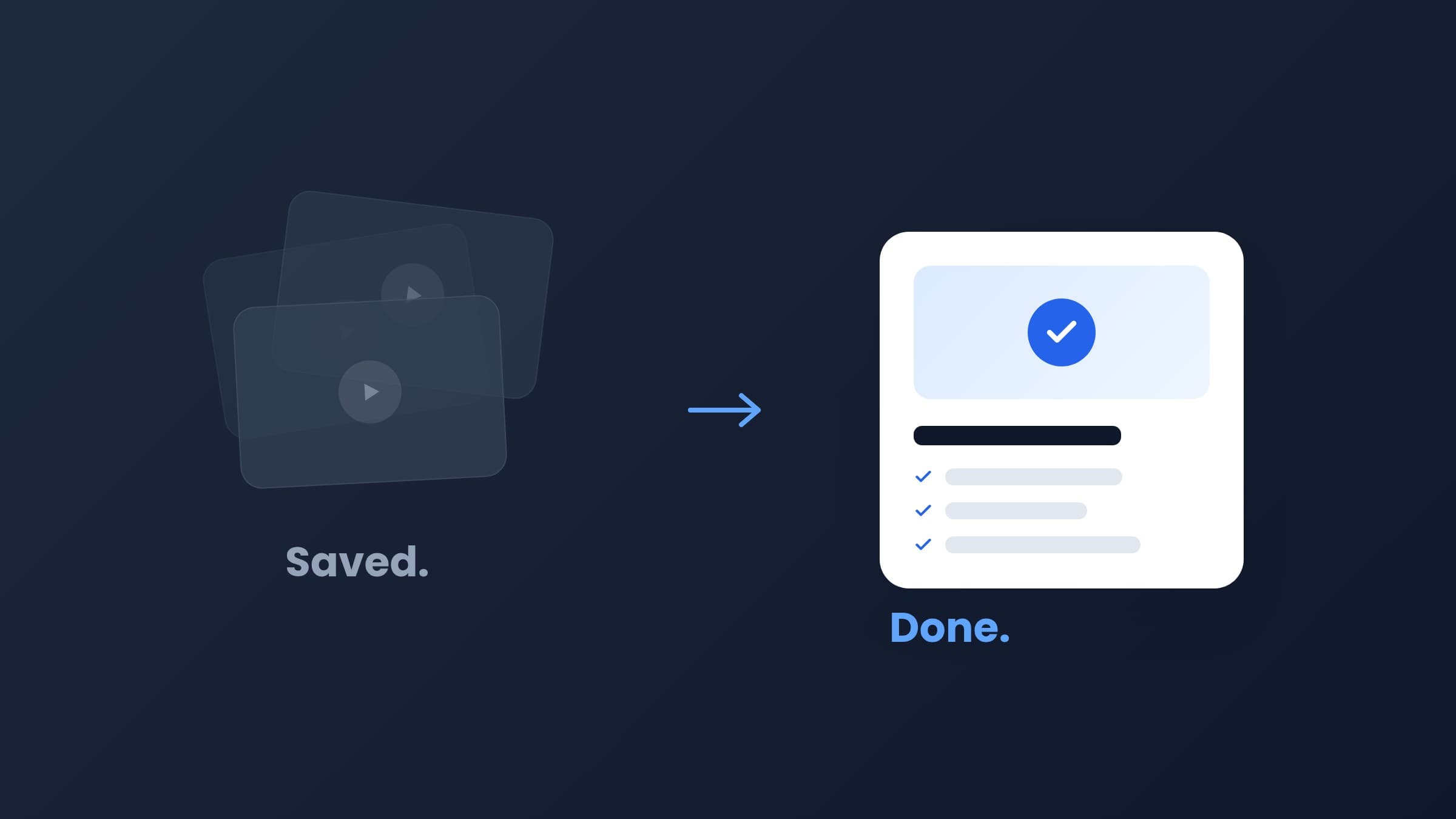
Stop saving. Start doing.
Your saved videos aren't projects. They're a backlog. Fatto turns them into materials, tools, and steps you can actually follow. Join the waitlist and we'll email you the day it ships on iOS.